Set up a home office that cares for your body

Set up a home office that cares for your body
Working from home has become a normal part of life for many Australians. Whether you’re remote full-time or just a few days a week, your home office should do more than look good—it should support your body and wellbeing. Poor ergonomics can lead to neck pain, headaches, and back issues before you know it. Here’s how to create a workspace that keeps you comfortable, healthy, and focused.
Start with the essentials: your chair and desk
A supportive office chair isn’t a luxury—it’s a necessity. Choose one that allows you to adjust the height, backrest, and armrests so it fits your body. Your feet should rest flat on the floor, and your knees should be at roughly a 90-degree angle.
Your desk should match your chair, not the other way around. A sit-stand desk is ideal, as it lets you change positions throughout the day—one of the best ways to prevent stiffness and fatigue. If you’re on a budget, consider a height-adjustable desk converter or a sturdy tabletop on adjustable legs.
Screen, keyboard, and mouse – small tweaks, big difference
Your screen should sit directly in front of you so you don’t twist your neck. The top of the screen should be at eye level, and the distance should be about an arm’s length. If you’re using a laptop, raise it on a stand and use an external keyboard and mouse to avoid hunching over.
Keep your forearms relaxed and parallel to the floor, and avoid bending your wrists too much. A mouse pad with wrist support can help, but the most important thing is to move regularly and take short breaks.
Læs også:

Light and air – the overlooked essentials
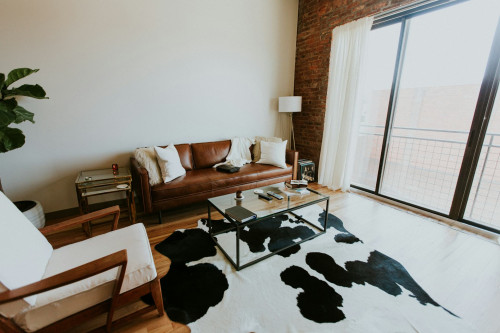
Good lighting is crucial for your eyes and concentration. Position your desk near a window to make the most of natural light, but avoid glare on your screen. Add a desk lamp with adjustable brightness for cloudy days or evening work.
Fresh air can do wonders for your energy levels. Open windows regularly or use a fan to keep air circulating, especially during hot Australian summers. A few indoor plants can also help purify the air and create a calming atmosphere.
Keep your body moving
Even the best chair can’t make up for sitting still too long. Stand up at least once an hour—stretch, walk around, or take a quick break outside. Some people set reminders on their computer or smartwatch to prompt movement.
You can also design movement into your setup: place your printer or filing cabinet a few steps away, take phone calls standing up, or use a balance stool for short periods. These small habits can make a big difference to your posture and energy.
Create calm and focus
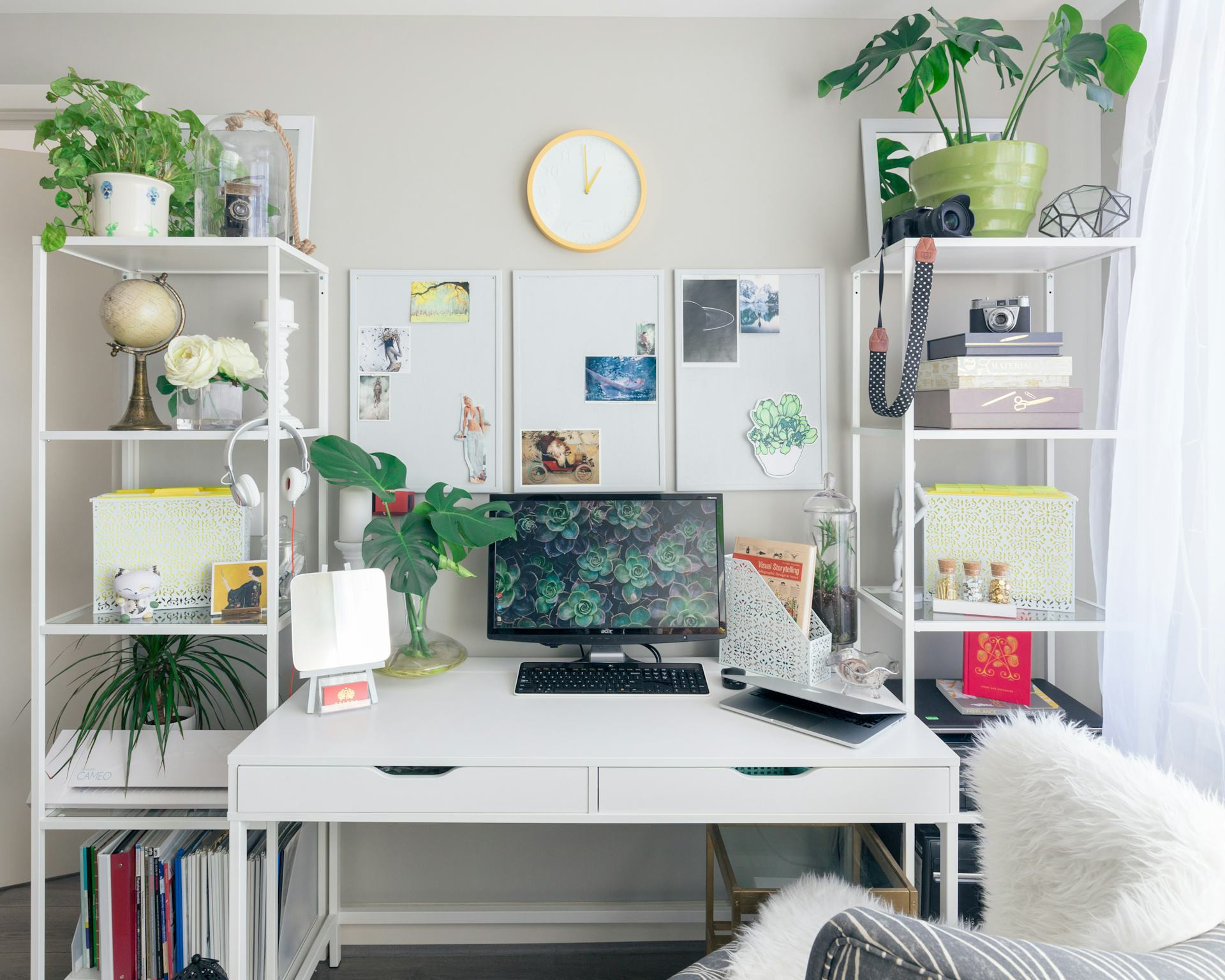
A home office should support both your body and your mind. Keep your workspace tidy and free from distractions. Use shelves, drawers, or storage boxes to keep clutter out of sight. A clear desk helps you think clearly.
Try to separate work from home life. When you finish for the day, close your laptop or shut the door to your office. This helps your brain switch off and prevents work from spilling into your downtime.
Add personality – with purpose
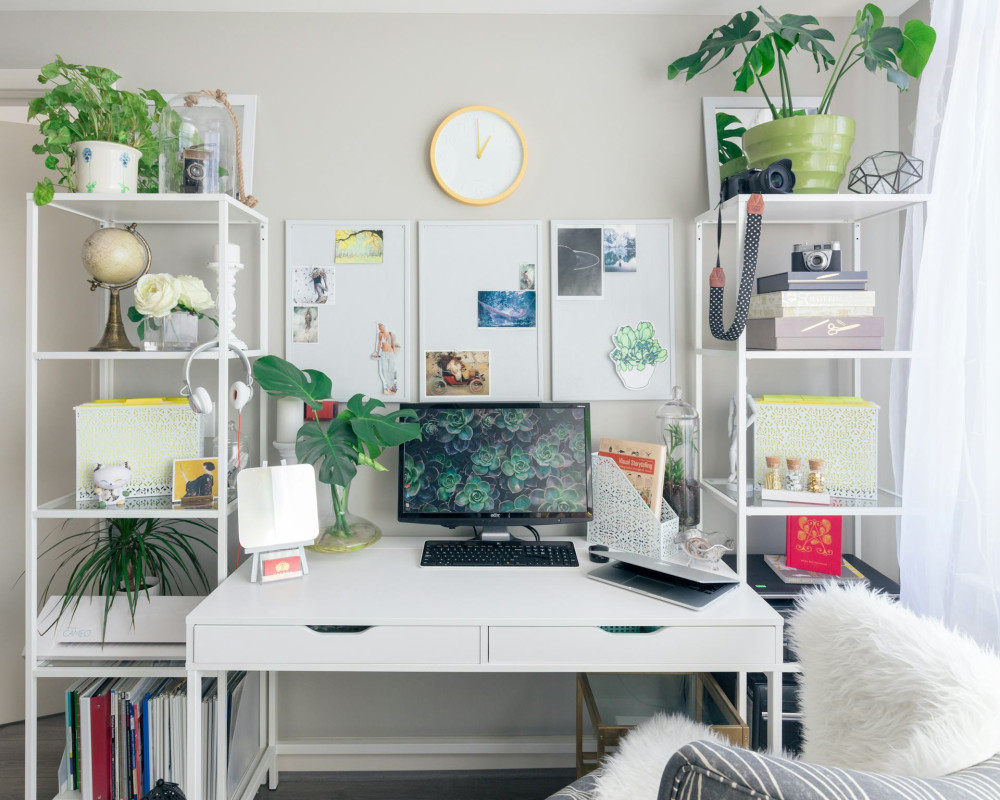
Your workspace should feel like yours. A favourite photo, a plant, or a splash of colour can make it more inviting. Just be careful not to overdo it—too many decorations can be distracting.
Choose calming colours and natural materials like wood, cotton, or linen. Soft greens, blues, and neutrals create a relaxed atmosphere, while brighter accents can add a touch of energy.
A workspace that works for you
There’s no single “right” way to set up a home office. The key is to listen to your body and make adjustments as needed. If you feel tension or discomfort, tweak your chair height, screen angle, or lighting. Small changes can have a big impact.
A good home office is all about balance—between work and rest, function and comfort. When you take care of your body, you don’t just work better—you feel better every day.
Læs også: